Go for Show
A menu bar utility that optimises Mac computers for Live Performance, including live audio, broadcast, playback, video, or music production.
App Features
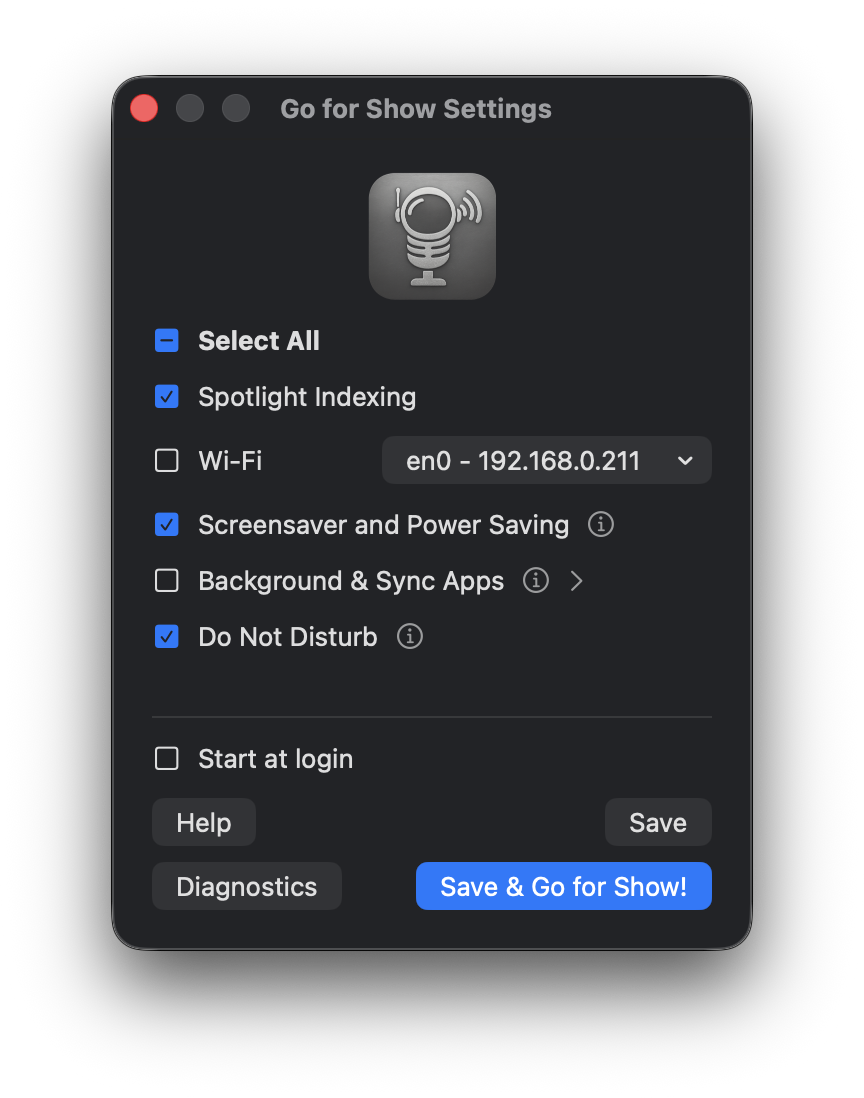
- Disables Spotlight indexing
- Disables Wi-Fi with choice of network adapter (won’t interrupt AoIP networks)
- Disables screensaver, display and drive sleep, powernap, network wake and standby mode
- Quits sync services (such as Google Drive and Dropbox), VPN services and torrent clients
- Switches on Do Not Disturb (via pre-built Shortcuts, installed on first run).
- Detects and warns about Time Machine, iCloud Drive, and Automatic Updates settings, and suggests disabling them (these settings are not easily toggleable by a third party, but can sometimes cause issues)
- For features that require administrator privileges (Spotlight indexing, Wi-Fi and screensaver and power options), the app asks for your password once on each mode switch
- Runs no background processes except when mode switching
- Typically uses less than 35MB of memory
Note: See the manual for the full list of apps that Go for Show will find, quit and restore.
What it won’t do… NB!
This app targets the big-ticket items for audio optimisation. However, this app IN NO WAY GUARANTEES to find every possible source of audio interruption. You are responsible for finding your own way to a streamlined audio experience on macOS, and I will take no responsibility whatsoever for interrupted audio or CPU overloads.
System Requirements
- macOS 12.0 Big Sure or later
- Intel or Apple silicon architecture
- negligible disk and RAM usage (<35MB)
AV Sync Check
Coming Soon….
An iPhone App that uses a custom test pattern (shareable with your resident video tech in multiple frame rates and resolutions) that uses the iphones camera and microphone to detect the delay between audio and video in a concert environment. This has come about as I’ve done a lot of film with live orchestra shows in the last few years, and video sync is always a bit of a guessing game.
Contact
About
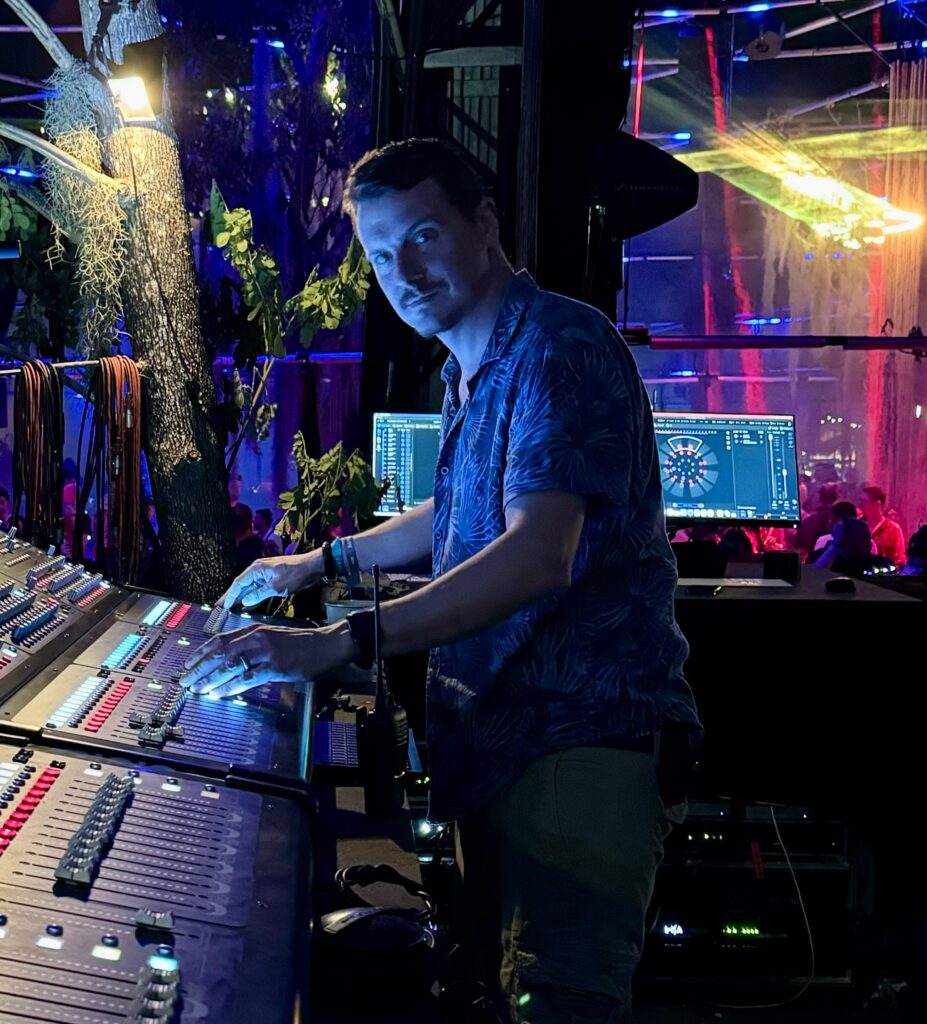
Hey, I’m Matt. I’ve worked in live sound for 20 years or so. I’m a bit of a space cadet, and I also have a strong interest in spatial audio, hence the brand name.
I developed Go for Show because I never could remember to turn off all the things one should turn off when using a laptop on live gigs. I often run things like Live Professor, Reaper, Smaart, or QLab, and I want to be absolutely sure that as few things as possible are going to interrupt any audio processing that might be going on. I suspect it might find use amongst playback techs, video engineers, electronic musicians, amongst others. I hope its as useful to you as it is to me.
Proudly powered by WordPress